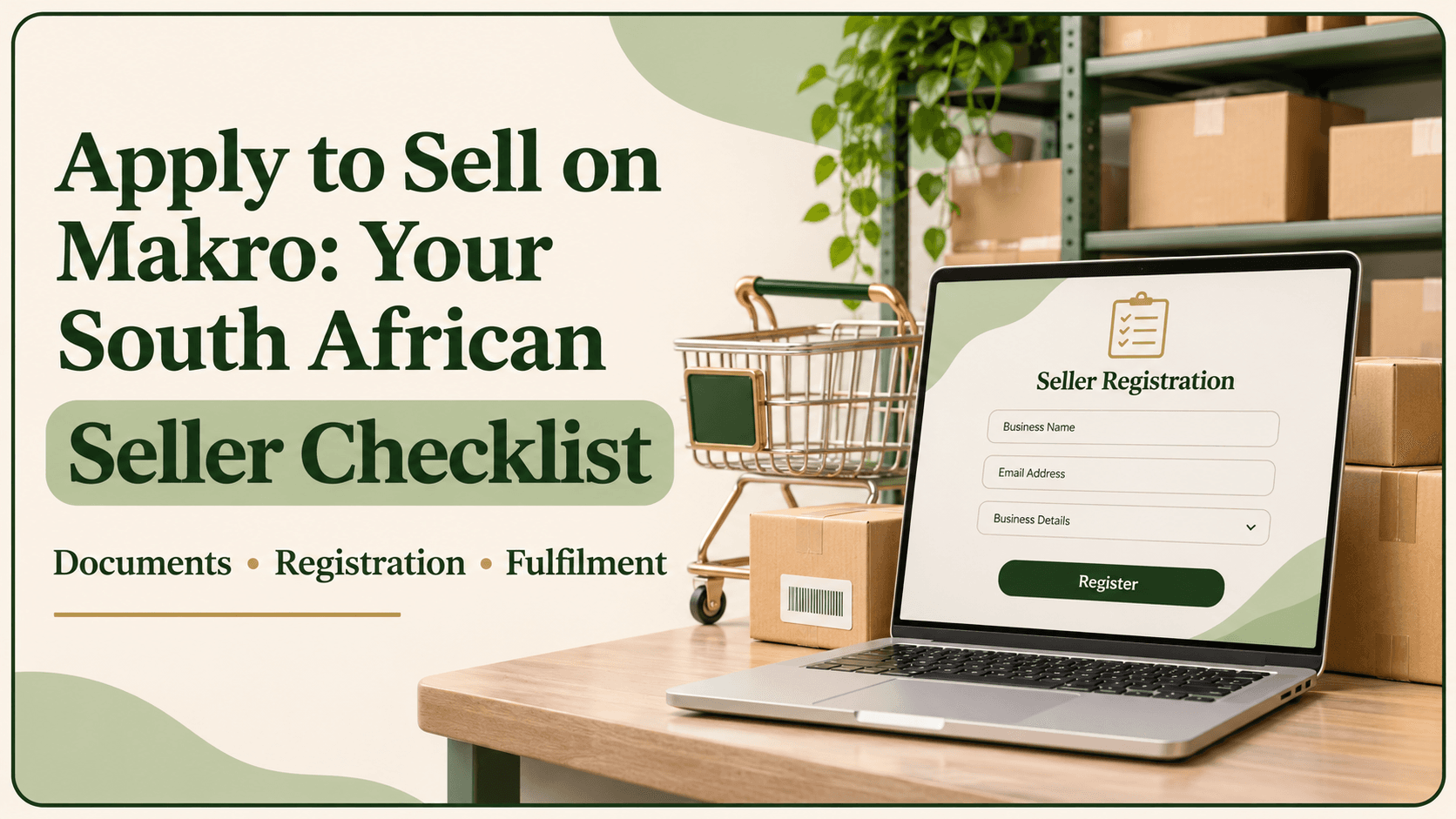
If you want to apply to sell on Makro, start with your business information, verification documents and product costs. Registering an account is only one part of the process: you also need accurate listings, workable collection arrangements and prices that cover marketplace fees.
This guide explains what South African sellers should prepare, where to register and what to check before activating products. It draws on Makro Marketplace’s official registration and onboarding guidance, with practical examples to help you prepare your first listings.
1. Before You Apply to Sell on Makro: Prepare Your Details
Business Registration, ID and Banking Information
Makro uses automatic verification during registration. If your information is successfully verified, you may not need to upload supporting documents. If verification fails, the portal requests documents for manual review.
Prepare the following according to your business type and the information requiring verification:
Document | When it may be required |
|---|---|
CIPC document | Registering as a company |
ID document | Registering as a sole proprietor |
SARS VAT document | Registering as a VAT-registered business |
Proof of bank account | Banking verification; document must be no older than three months |
These are conditional requirements, rather than a document bundle every applicant must upload. Follow the prompts shown during your registration.
Before starting, compare the details you intend to enter with your supporting records. Check the spelling of names, registration information and banking details. Keep readable copies available so you can respond promptly if manual verification is requested.
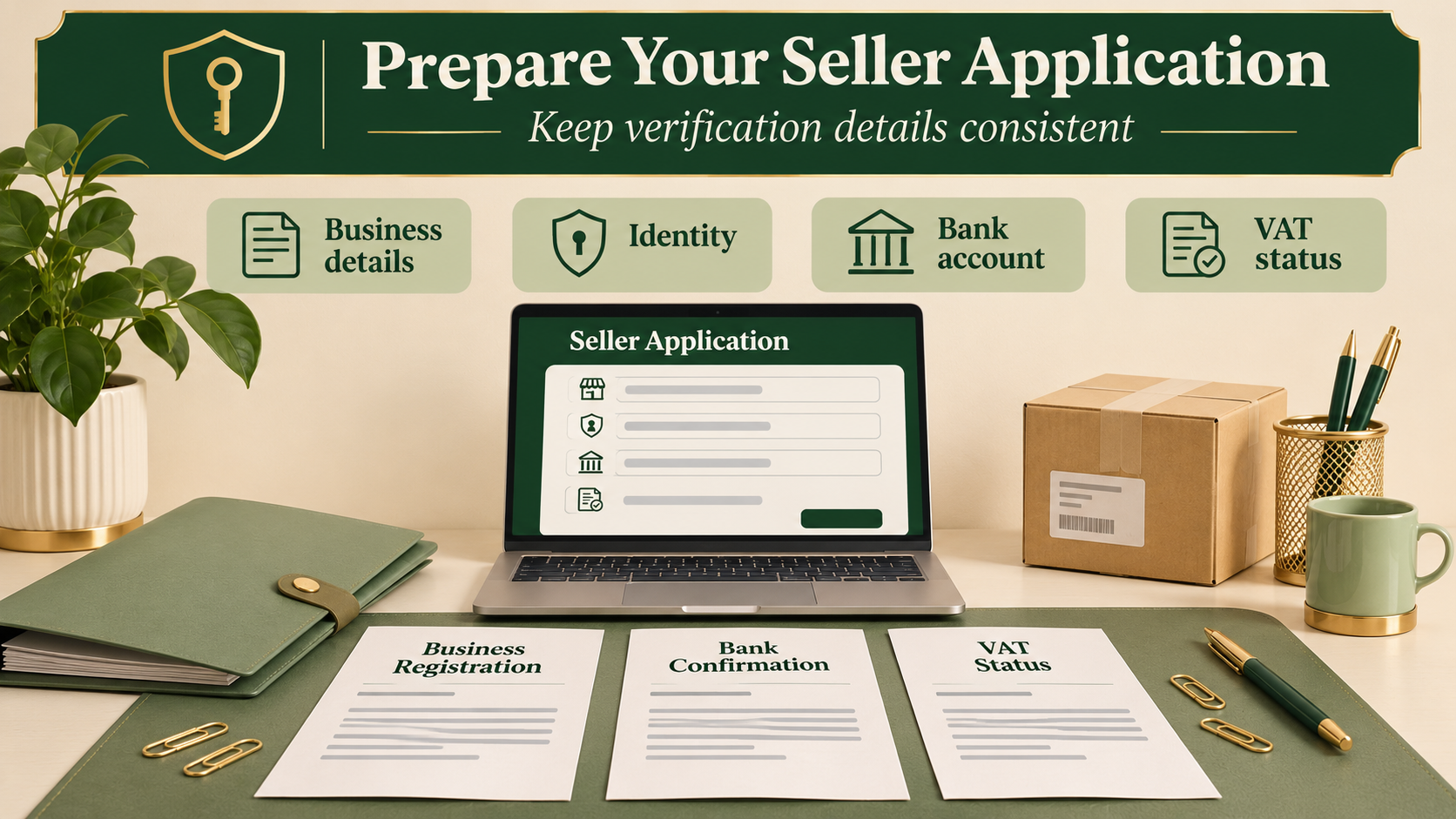
CIPC and SARS VAT Documents
Choose the business type and VAT status that reflect your actual registration. A sole proprietor should follow the individual business route presented in the portal; a company should use its company information.
VAT status also affects commission calculations. Makro’s published example uses a R1,150 selling price and an illustrative 10% commission rate. The commission including VAT is R115 for a VAT-registered seller and R132.25 for a non-VAT-registered seller. The difference comes from whether VAT is removed from the selling price before commission is calculated. The 10% rate is an example, so check your own product category.
2. How to Apply to Sell on Makro Through the Seller Portal
Seller Registration and Account Verification
Start at the official Makro Seller Portal. Enter your details, allow the system to perform its verification checks and upload supporting documents if prompted. Complete the registration steps presented for your account.
After registration, check the operational information in your profile. Makro distinguishes your pickup address from your business address: couriers collect from the pickup location recorded in the Account section.
For example, if your company is registered in Sandton but stock is dispatched from Midrand, capture the actual dispatch location as the pickup address. Include the unit number and a contact who can assist the driver. Update inventory for each location used to fulfil orders.
Keep a record of your submission date, any verification messages and documents requested. This gives you a clear reference if you need help resolving an incomplete application.
Application Checks and Approval Expectations
Submitting an application does not guarantee acceptance. Makro’s seller agreement allows it to request additional information and decide whether to approve a seller. Avoid planning a launch around an assumed approval date.
Account registration and product publication are also separate stages. For a Fulfilled by Seller listing to appear for purchase, Makro specifies that it must be active, have FBS selected, carry positive inventory and have no product edit requests in progress. Creating a listing alone does not make it live.
If you need assistance with the portal, Makro lists sellers@makro.co.za for general portal queries. Explain the affected step and include the relevant error message or screenshot.
3. Selling on Makro: Prepare for Your First Orders
Product Listings, Marketplace Fees and Fulfilment
Build each listing around the exact product supplied. Include the brand, model, size or capacity, relevant specifications, clear images and accurate stock quantity. Record the dimensions and weight of the fully packaged product, because these details help determine courier allocation and transport charges.
Next, select a fulfilment model:
Model | Stock location | Order preparation |
|---|---|---|
FBS: Fulfilled by Seller | Your premises | You pick, pack and label orders for a Makro-appointed courier |
FBM: Fulfilled by Makro | Makro Fulfilment Centre | Makro stores stock and handles picking, packing and dispatch |
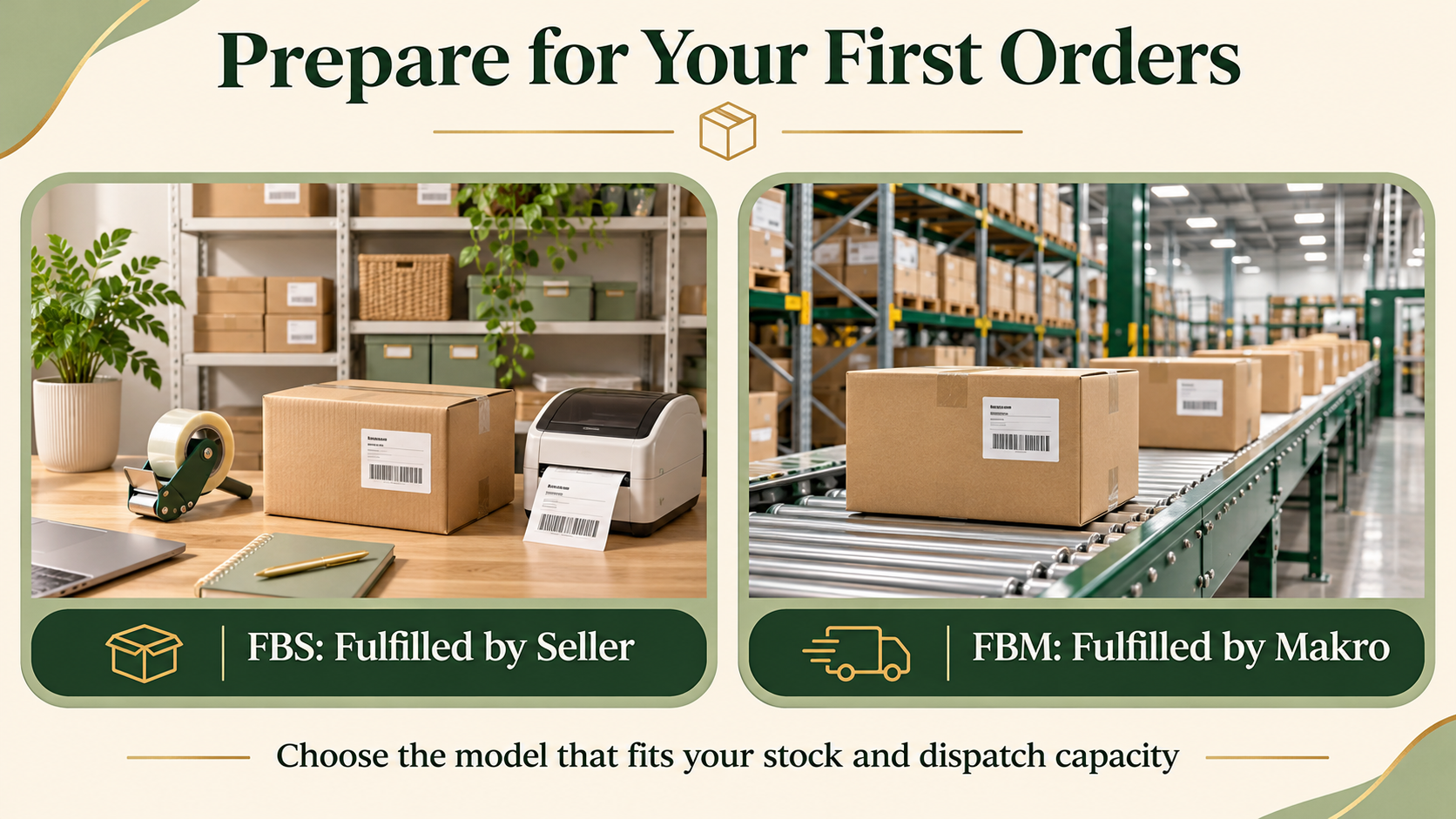
Choose based on your available storage and dispatch capacity. You can use different models across your product range. For FBM, obtain approval from the FBM team before creating your first consignment and sending stock.
Before activating listings, check these costs:
Platform fee: R230 including VAT per month when you have at least one active listing, even without sales.
Commission: Charged per unit sold at the applicable category rate.
Final-mile transport: Applies to FBS and FBM, based on size and weight.
FBM-specific costs: First-mile transport and storage, subject to the current fee rules.
As checked on 6 November 2026, Makro’s fee guide states that FBM first-mile fees are waived until 30 November 2026 and storage fees are waived for the remainder of 2026. Recheck these dated concessions before pricing or sending stock.
Stock Availability and Profit Margins
Run each proposed product through Makro’s Seller Fee Calculator. Have your selling price, VAT status, category, packaged dimensions, weight and unit cost ready. It estimates fees, payout and profitability; you can also compare products in bulk and export results to CSV.
For an internal planning example, suppose a product sells for R300. If acquisition costs R150, estimated marketplace deductions are R70 and packaging costs R10, the remaining contribution is R70 before overheads, returns and tax. These are hypothetical figures, not Makro’s rate card.
For low-priced products, compare single units with a multipack. Makro treats a correctly listed pack as one transport unit, although the pack’s dimensions and weight still matter.
Finally, plan cash flow around delivery. Makro pays twice monthly, with eligibility based on the customer delivery date. Orders delivered from the 1st to the 15th enter the end-of-month run; those delivered from the 16th to month-end enter the following mid-month run. Allow for deductions and returns when budgeting replenishment.
Frequently Asked Questions
1. Can a sole proprietor apply to sell on Makro?
Yes. Makro’s registration guidance includes sole proprietors and identifies an ID document as a possible requirement for manual verification. Acceptance remains subject to Makro’s checks.
2. Which documents are needed for Makro seller registration?
Depending on the checks required, prepare a CIPC document or ID, a SARS VAT document if VAT-registered, and bank account proof no older than three months. Upload what the portal requests.
3. Must I be VAT-registered to sell on Makro?
Makro provides commission calculations for both VAT-registered and non-VAT-registered sellers. Select your actual status; your separate obligation to register for VAT depends on applicable SARS requirements.
4. How long does Makro seller approval take?
The registration guidance cited here gives no universal approval deadline. Automatic verification and cases requiring document review follow different paths. Check outstanding requests before committing to a launch date.
5. What fees should I check before listing products?
Check the monthly platform fee, category commission, final-mile delivery and return transport charges, plus applicable FBM first-mile and storage costs. Use current rates and your packaged product measurements.