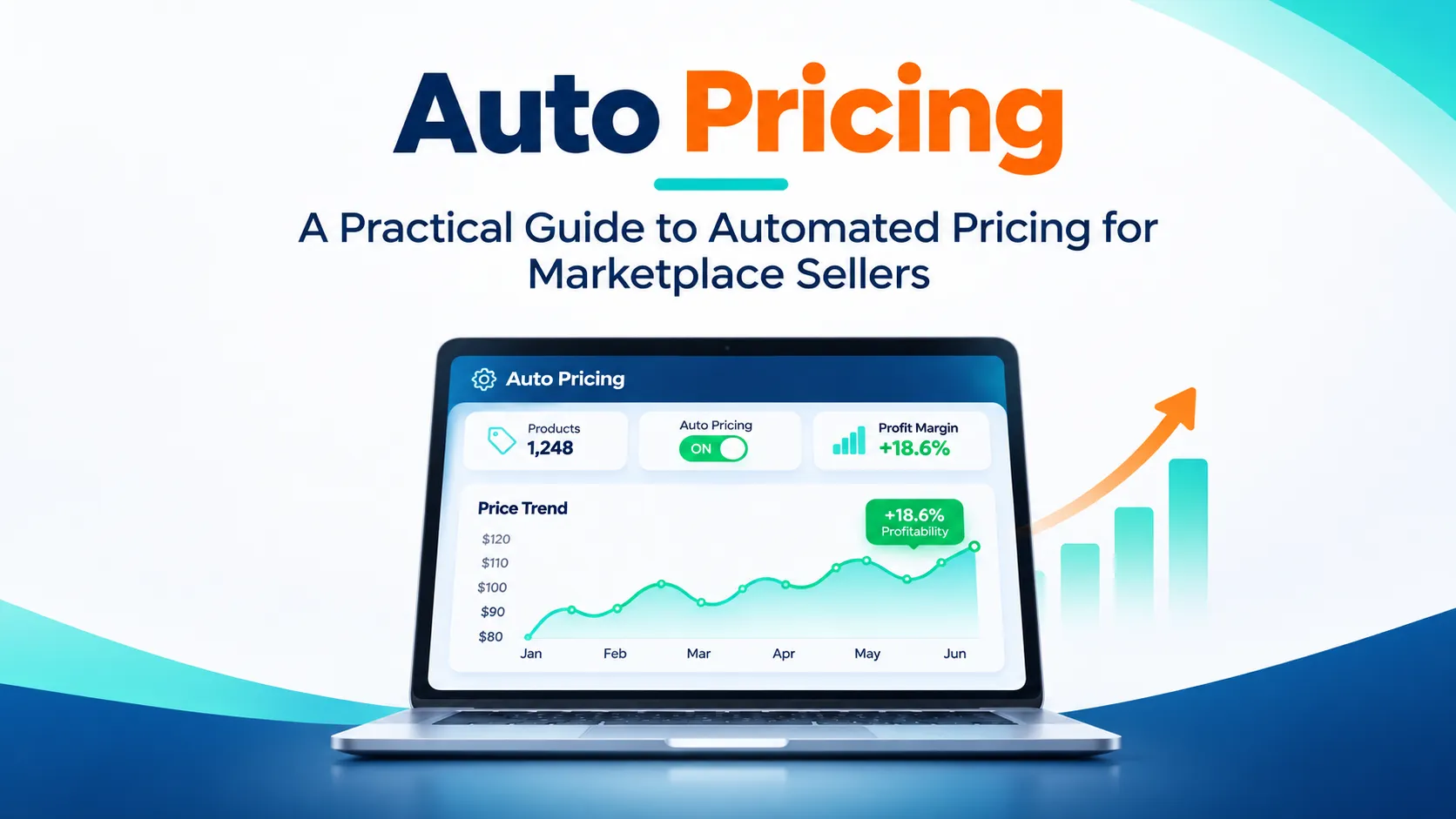
What Is Auto Pricing? A Practical Guide to Automated Pricing for Marketplace Sellers
Pricing is one of the most important decisions in ecommerce. Set your prices too high, and potential customers may choose competing sellers. Price too aggressively, and your sales could increase while your profit margins disappear.
For marketplace sellers operating on platforms such as Takealot, Amazon and Makro, this challenge becomes even more complicated. Multiple sellers can compete for the same product listing, competitor prices can change frequently, and maintaining competitive prices across hundreds or thousands of SKUs can consume valuable time.
This is where auto pricing software becomes useful.
Automated pricing allows sellers to monitor competing offers and adjust product prices according to predefined rules. Instead of manually checking every listing and changing prices throughout the day, sellers can use automated systems to respond to market conditions while maintaining control over their pricing boundaries.
In this guide, we explore how auto pricing works, why it matters for marketplace sellers, and how to use pricing automation to remain competitive without unnecessarily sacrificing profitability.
1. What Is Auto Pricing Software?
Auto pricing software is a tool that automatically adjusts product selling prices based on predefined pricing rules and marketplace competition.
It monitors relevant competing offers and evaluates whether a price adjustment is necessary. Depending on the pricing strategy, the system may lower a price to compete with another seller or increase a price when competitive conditions create an opportunity to improve profitability.
For example, imagine you are selling a product for R499 on an online marketplace.
A competing seller reduces their price to R479. Without automated pricing, you would need to notice this change, evaluate its impact and manually update your listing.
With auto pricing software, you can configure a pricing rule that responds to the competitor's offer while ensuring your price never falls below your predefined minimum.
The objective is not simply to become the cheapest seller. It is to maintain a competitive position while protecting the commercial value of every sale.
2. Why Is Automated Pricing Important for Ecommerce Sellers?
As an ecommerce business grows, managing prices manually becomes increasingly difficult.
A seller with ten products might manage competitor pricing through occasional manual checks. A business with hundreds or thousands of active listings faces a very different challenge.
Automated pricing helps address several common problems.
Save Time on Repetitive Price Monitoring
Competitor monitoring requires regular attention. Sellers need to check product listings, compare competing offers and decide whether price adjustments are necessary.
Automation reduces this repetitive workload by monitoring competitive conditions and applying configured pricing rules.
This allows sellers to spend more time on product sourcing, inventory planning, marketing and business development.
Stay Competitive in Buy Box Competition
On marketplaces where multiple sellers compete for the same listing, price can influence which offer receives the Buy Box or featured purchase position.
When a competitor changes their offer, your listing may become less competitive.
Auto pricing software helps sellers respond to these changes without relying entirely on manual monitoring.
However, price is not the only factor affecting marketplace offer placement. Winning the Buy Box is never guaranteed by simply having the lowest price.
Protect Profit Margins
One of the biggest risks of manual repricing is entering an unnecessary price war.
When competitors repeatedly reduce their prices, sellers may follow without properly considering product costs, marketplace fees and fulfilment expenses.
A well-configured automated pricing system uses minimum and maximum price boundaries to prevent prices from moving outside the seller's chosen range.
This creates a balance between competitiveness and financial discipline.
Manage Large Product Catalogues
For sellers managing multiple stores or large product catalogues, manually adjusting individual SKUs can become operationally inefficient.
Bulk configuration and automated pricing rules make it easier to manage pricing across many listings without treating every product as a separate manual task.
3. How Does Auto Pricing Work?
Although different platforms have different pricing mechanisms, most automated repricing workflows follow a similar process.
Step 1: Monitor competing offers
The software collects available competitor pricing and listing information within the relevant marketplace and competition scope.
Step 2: Evaluate pricing conditions
The system compares your current offer with competing offers and checks whether your configured pricing strategy requires an adjustment.
Step 3: Apply pricing rules
If a change is appropriate, the software calculates a target price based on your pricing strategy and configured minimum and maximum boundaries.
Step 4: Execute and monitor
The system applies the permitted price adjustment and records relevant pricing information so sellers can review decisions and execution results.
The exact rules, monitoring frequency and available settings depend on the marketplace and the software being used.
4. Essential Features to Look for in Auto Pricing Software
Not all automated pricing tools offer the same capabilities. Before choosing an ecommerce repricing solution, sellers should understand which features are important for their operations.
Minimum and Maximum Price Controls
Minimum and maximum prices are fundamental safeguards.
Minimum Price: The lowest price your product is allowed to reach.
Maximum Price: The highest price permitted under your pricing strategy.
Your minimum price should reflect your actual cost structure, including product procurement, marketplace commissions, fulfilment expenses and other relevant operating costs.
Your maximum price provides an upper boundary and helps prevent unexpected pricing increases.
Competitor Monitoring
Effective auto pricing software should provide visibility into relevant competing offers.
This helps sellers understand why a price has changed and whether their current pricing position remains competitive.
Automatic Price Increases
Pricing automation should not only focus on lowering prices.
When competitors increase their prices or leave a listing, there may be an opportunity to increase your own selling price.
Some automated pricing strategies can take advantage of these situations instead of keeping prices unnecessarily low.
Seller Whitelists
If you operate multiple seller accounts, your own accounts should not always be treated as external competitors.
A seller whitelist allows authorised seller IDs to be excluded from competition analysis.
This helps prevent unnecessary price adjustments between accounts belonging to the same organisation.
Bulk Pricing Management
For businesses with large catalogues, bulk editing and import/export capabilities can significantly simplify pricing administration.
These tools allow sellers to configure multiple listings efficiently instead of adjusting every product individually.
5. Auto Pricing on Takealot, Amazon and Makro
Different marketplaces have different competitive environments and pricing requirements. Sellers should therefore choose automation tools that support the specific platforms they operate on.
Takealot Auto Pricing
Takealot sellers often need to compete with multiple sellers offering the same product.
Revenuealot's Takealot Auto Pricing helps sellers respond to competitor pricing through configurable pricing rules.
Its capabilities include:
Minimum and maximum price settings.
Standard competition mode.
Competing with sellers that have longer delivery lead times.
Automatic price increases when competitors raise their prices or become unavailable.
Pricing performance monitoring through current price, ranking and Buy Box offer information.
Price Protection and seller whitelist functionality.
Bulk editing and Excel/CSV configuration import and export.
These features help sellers manage competitive pricing while maintaining control over their pricing strategy.
Amazon Auto Pricing
Amazon sellers face another important challenge: monitoring Buy Box ownership and changes in competing offers.
Revenuealot's Amazon Auto Pricing provides tools to:
Monitor Buy Box ownership.
Track seller changes and offer status.
Configure minimum and maximum pricing boundaries for individual SKUs.
Batch enable or disable pricing rules across selected ASINs.
Use seller whitelists to exclude authorised accounts from relevant competition monitoring.
These capabilities help Amazon sellers manage pricing and offer competition within a more structured workflow.
Makro Auto Pricing
Makro sellers also benefit from automated pricing when several sellers compete on the same listing.
Revenuealot's Makro Auto Pricing checks competing offers every 30 minutes and adjusts pricing according to configured rules.
Key capabilities include:
Required minimum price settings.
Optional maximum price settings.
Automatic price reductions when a cheaper competitor threatens your position.
Automatic price increases while holding the Buy Box, when enabled.
Price limits that respect the listing's Base Price.
Pricing decision and execution history.
Bulk configuration and seller whitelists.
For example, when another seller offers a lower price, the system can set your price R1 below that competitor, provided the resulting price does not fall below your configured minimum.
When you hold the Buy Box and price increases are enabled, the system can also raise your price to R1 below the next cheapest competitor, subject to your configured limits.
This allows sellers to respond to competition without automatically maintaining unnecessarily low prices.
6. How to Build a Profitable Auto Pricing Strategy
Having automated pricing software is only part of the solution. The results also depend on how carefully you configure your pricing rules.
Here are six practical recommendations.
1. Calculate Your Minimum Profitable Price
Before enabling auto pricing, calculate the minimum selling price that makes commercial sense for each product.
Consider:
Product purchase or manufacturing cost.
Marketplace commission and selling fees.
Fulfilment and delivery expenses.
Applicable taxes and VAT treatment.
Other relevant operating expenses.
Your required profit contribution.
Do not use an arbitrary minimum price simply because it looks competitive.
2. Set a Realistic Maximum Price
A maximum price helps prevent excessive increases and keeps your pricing strategy within an acceptable range.
Consider competitor pricing, customer demand and your product's market position when setting this boundary.
3. Understand Your Competition
Not every seller should necessarily be treated as a direct competitor.
Consider delivery lead times, seller availability, authorised accounts and marketplace-specific competition rules.
A seller offering significantly slower delivery may not represent the same competitive threat as an equivalent offer with faster fulfilment.
4. Avoid Automatically Following Every Price Reduction
The lowest price does not always produce the best commercial outcome.
If a competitor reduces their price below your profitable minimum, it may be better to maintain your pricing boundary rather than participate in an unsustainable price war.
5. Start With a Smaller Group of Products
Before applying automated pricing to your entire catalogue, test the rules on a smaller selection of products.
Review the pricing decisions, execution results and impact on your commercial performance.
Once you understand how the rules behave, gradually expand their application.
6. Review Your Pricing Rules Regularly
Product costs, marketplace fees, inventory conditions and competitor behaviour can change.
Review your pricing boundaries whenever these factors materially change.
Automation reduces repetitive work, but it does not eliminate the need for commercial oversight.
7. How Revenuealot Helps Simplify Ecommerce Pricing
Managing pricing across multiple marketplaces can become complicated as your ecommerce business expands.
Revenuealot provides ecommerce management and analytics tools designed to help sellers manage their authorised marketplace operations from one workspace.
Its Auto Pricing solutions support Takealot, Amazon and Makro sellers with marketplace-specific pricing rules and monitoring capabilities.
With Revenuealot, sellers can:
Automate competitor-based pricing adjustments.
Establish minimum and maximum price boundaries.
Monitor Buy Box and offer competition.
Manage authorised seller whitelists.
Apply pricing configurations across multiple products.
Review relevant pricing decisions and execution information.
Instead of spending hours manually checking individual listings, sellers can establish structured pricing rules and focus on making better business decisions.
Ready to simplify your marketplace pricing?
Explore Revenuealot's automated pricing solutions and discover how pricing automation can support your ecommerce operations.
Visit Revenuealot to learn more.
Frequently Asked Questions About Auto Pricing
1. What is auto pricing in ecommerce?
Auto pricing is the process of automatically adjusting product selling prices according to predefined rules, competitor offers and marketplace conditions. It helps ecommerce sellers reduce manual price monitoring while maintaining control over their pricing strategy.
2. How does auto pricing software protect profit margins?
Auto pricing software can use minimum price boundaries to prevent automatic price reductions below a seller's chosen floor. However, sellers must calculate this floor correctly using their actual costs and marketplace fees. A minimum price setting does not independently guarantee profitability.
3. Does auto pricing always choose the lowest price?
No. Effective auto pricing focuses on following a defined competitive strategy rather than always choosing the lowest price. Depending on the rules, a system may maintain the current price or increase it when market conditions allow.
4. Can auto pricing help sellers win the Buy Box?
Automated pricing can help sellers respond to competitor offers and maintain a competitive price position. However, Buy Box ownership may depend on multiple marketplace factors, so automated repricing cannot guarantee a Buy Box win.
5. Which marketplaces support Revenuealot Auto Pricing?
Revenuealot provides marketplace-specific Auto Pricing solutions for Takealot, Amazon and Makro. Available rules and monitoring capabilities differ between platforms.
6. Is auto pricing suitable for small ecommerce businesses?
Yes. Even sellers with relatively small product catalogues can benefit from reduced manual monitoring and more consistent pricing decisions. It becomes particularly useful as the number of products and competing offers increases.
7. Should I use auto pricing for every product?
Not necessarily. Products have different cost structures, competitive conditions and profit requirements. It is generally better to start with suitable products, establish clear pricing boundaries and expand automation based on performance.