Searching for “how to sell on Makro South Africa”? Start by checking whether your products can generate a margin after marketplace fees, transport and returns. Registration matters, but a verified account alone does not make a product profitable.
This guide covers how Makro Marketplace works, what to prepare, how to price your products and how to handle your first orders.
1. Understand Makro Marketplace Before You Apply
Makro Marketplace allows independent sellers to offer products through Makro’s online sales channel. This differs from supplying products directly to Makro as a retail buyer.
As a marketplace seller, you need reliable stock, accurate product information and pricing that covers your costs. Your fulfilment choice determines where stock is stored and who prepares orders.
Before applying, check that you can:
Replenish stock consistently.
Provide any required brand or product compliance documents.
Keep available quantities accurate across sales channels.
Handle fulfilment and returns without relying on uncertain supplier availability.
Start with a small range you understand. Compare identical models and pack sizes when researching competing offers; a cheaper listing may contain fewer units or different accessories.
Check restricted products and brand approval requirements before buying inventory. Certain brands require approval even for existing sellers. See Makro’s brand gating requirements and prohibited products guidance.
2. Calculate Costs and Set Sustainable Prices
Know which fees apply
Makro currently lists a R230 monthly platform fee, including VAT, for accounts with at least one active listing—even without sales. Other costs depend on the product and fulfilment method.
Cost | What to check |
|---|---|
Platform fee | Monthly charge and expected sales volume |
Commission | Rate for the exact product category |
Final-mile transport | Product volume, weight and fulfilment method |
FBM first-mile and storage | Current rates and temporary concessions |
Your operating costs | Procurement, packaging, returns and overheads |
Final-mile transport is charged per unit sold, rather than per order. Recheck temporary fee concessions before sending stock or committing to prices. See Makro’s official fee guidance.
Calculate what remains after each sale
Consider this simplified planning example. All figures are hypothetical and use a consistent accounting basis; this is not a Makro fee quotation or VAT calculation.
Item | Amount |
|---|---|
Selling price | R500 |
Product cost | −R250 |
Assumed commission at 10% | −R50 |
Transport allowance | −R50 |
Packaging | −R10 |
Returns allowance | −R15 |
Contribution before fixed overheads and tax | R125 |
Your marketplace payout will differ from this contribution because procurement and some operating costs are paid separately.
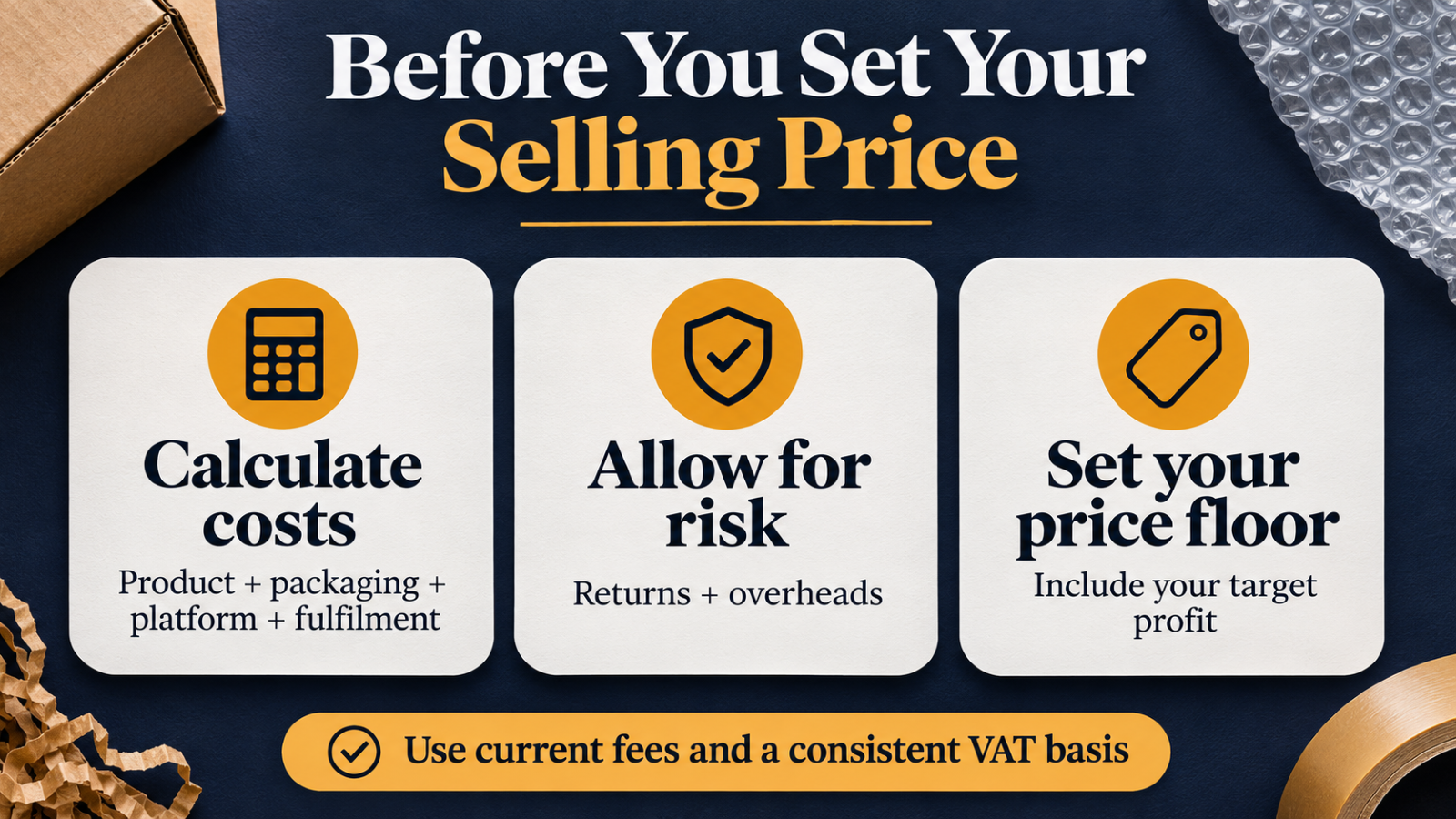
Use actual category fees and fulfilment estimates to calculate a minimum selling price that includes your target profit. Apply a consistent VAT treatment throughout.
Automate pricing after setting your minimum
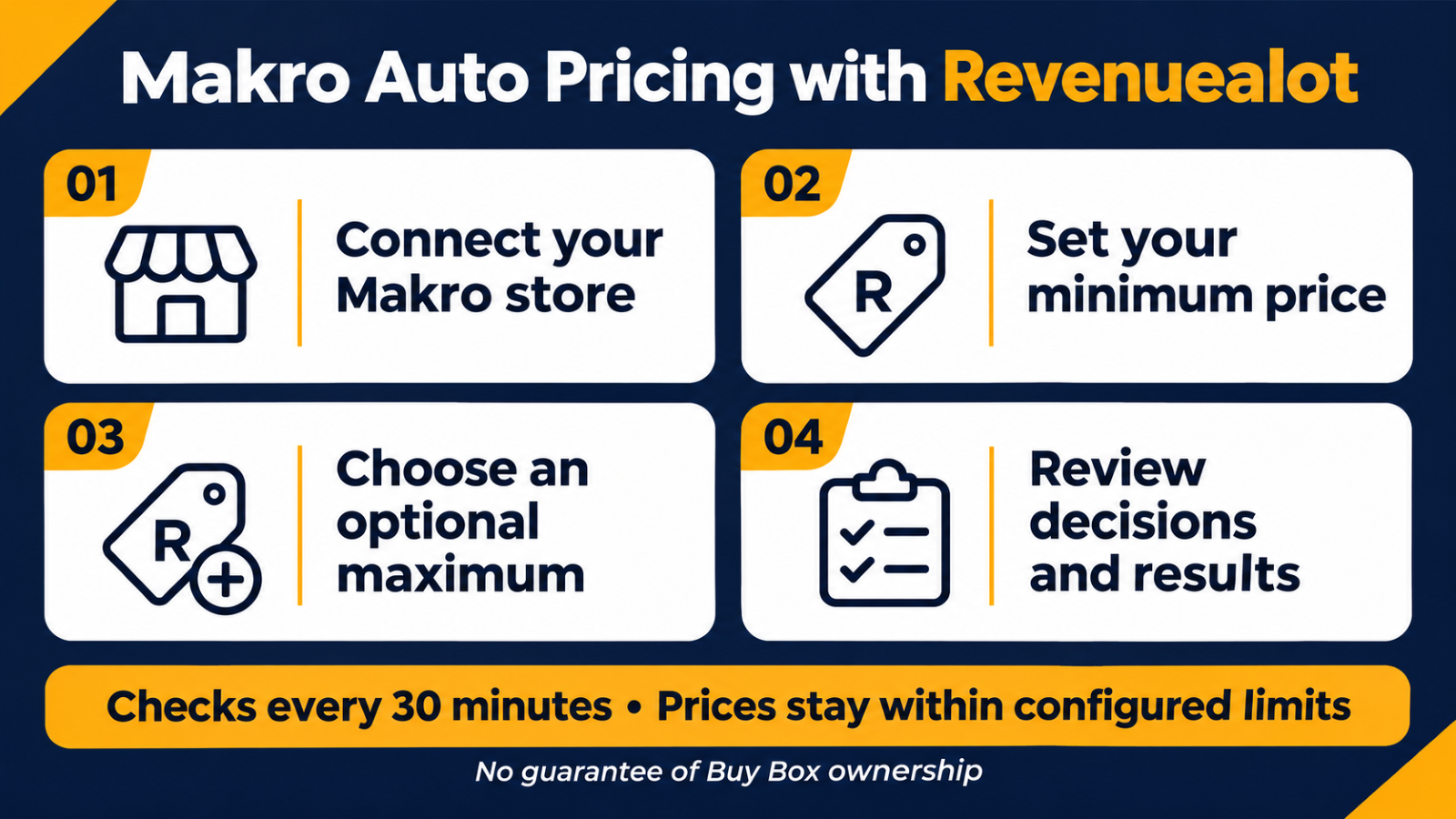
Manually checking competing offers becomes repetitive as your catalogue grows. Revenuealot’s Makro Auto Pricing helps execute pricing rules once you have calculated your limits.
Connect your Makro store, open Makro → Auto Pricing, select a listing and set its required minimum price. An optional maximum cannot exceed the listing’s Base Price.
The system checks competing offers on the same listing every 30 minutes. It can adjust prices within those boundaries and, when enabled, raise prices while you hold the Buy Box—the main purchase offer. Review pricing history and execution results to confirm changes were applied.
Set the minimum yourself using current costs. Automatic pricing does not calculate your complete business profitability or guarantee Buy Box ownership.
3. Register, Create Listings and Fulfil Your First Orders
Prepare your registration information
Start at the official Makro Seller Portal. Makro attempts automatic verification first. If this fails, supporting documents depend on your business type and the information requiring verification.
Prepare:
CIPC documentation if registering as a company.
Identification if registering as a sole proprietor.
SARS VAT documentation if VAT-registered.
Bank account proof no older than three months.
Enter details accurately and respond to the specific verification request. Completing the registration form is separate from completing verification.
Match the correct product or create a new listing
Search for your exact product before creating another catalogue entry. Compare its barcode, brand, model, specifications and images. If it matches, add your offer to the existing product instead of creating a duplicate.
For a new listing, prepare clear images, specifications, package contents, selling price and available quantity.
A useful title is specific: “Stainless Steel Insulated Bottle 750ml Black” tells shoppers more than “Premium Quality Bottle.”
Measure the product in its shipping packaging. These dimensions affect courier allocation and transport charges.
Choose your fulfilment method
Responsibility | FBS | FBM |
|---|---|---|
Stock storage | Your premises | Makro fulfilment centre |
Picking and packing | You | Makro |
Dispatch | Handover to Makro-appointed courier | Makro |
Main preparation | Daily order readiness | Inbound stock and replenishment |
FBS means Fulfilled by Seller; FBM means Fulfilled by Makro. Compare the total cost and workload for your products before choosing.
For FBS orders, pack securely, attach the correct waybill and meet your agreed preparation timeline. Generate the waybill when the parcel is ready, because collection may follow soon afterwards.
During your first month, record units sold, contribution per unit, cancellations, returns and stock discrepancies. Reconcile deductions against remittances before increasing stock purchases.
4. Start Small and Expand Using Actual Results
Launch a manageable selection, confirm that listings are accurate and complete several orders before expanding.
Prioritise products with positive contribution, dependable supply and manageable returns. Update your price floor whenever costs change. Once those basics work, Revenuealot’s automatic pricing can reduce repeated price checks while keeping adjustments within your configured boundaries.
FAQs
Can a sole proprietor sell on Makro?
Yes. Makro’s registration guidance includes sole proprietors, with ID documentation where manual verification is required.
Must I be VAT-registered to apply?
Makro requests SARS VAT documentation if you are VAT-registered. This does not determine your separate legal obligation to register for VAT.
How much does selling on Makro cost?
Budget for the monthly platform charge, category commission, transport and your operating costs. FBM can also involve first-mile and storage charges.
Should I choose FBS or FBM?
Choose based on your storage, packing capacity, replenishment process and total costs. FBS keeps daily preparation with you; FBM transfers storage and order preparation to Makro.
Can Revenuealot automatically update my Makro prices?
Yes. After connecting your store and configuring listing price limits, enable automatic pricing and review its decisions and execution results regularly.