The Makro Seller Portal is where everyday selling tasks come together. A stock
update affects what customers can buy, order preparation affects collection, and delivery dates affect when you get paid.
For local sellers, the useful starting point is a short routine that covers products, orders and money. This guide explains what to check, how to avoid common mistakes and where Revenuealot can help you investigate sales performance.
1. What Is the Makro Seller Portal?
The portal is Makro Marketplace’s seller workspace for managing products, stock, prices and orders, with access to reports and account information.
Start at the official Makro seller website and follow its current seller access route. Bookmark the verified destination rather than relying on an old login link.
Before processing orders, check your business details, primary contact, banking information and pickup location. The pickup address must identify where parcels are actually collected; it may differ from your registered business address.
Keep a simple SKU record alongside the portal. Each row should identify the product, internal SKU, physical quantity, allocated quantity and purchase cost. This makes it easier to check whether a stock or pricing change belongs to the correct item.
2. How to Manage Products, Stock and Orders
Check the product customers will receive
Open your important listings on the storefront and compare the title, model, images, specifications and pack quantity with the actual item. A two-pack photographed beside four units can create confusion even when the written description is correct.
Use a consistent naming pattern such as brand, product type, model and capacity. Check packaged dimensions and weight too, because incorrect logistics information can affect fulfilment costs.
Update sellable stock
Physical stock is not always available stock. If you hold 20 units, have allocated six to existing orders and reserve two as a buffer, only 12 remain available.
When Makro shares stock with another channel, allocate that remaining quantity across channels or use a verified synchronisation process. Publishing 12 units independently on both channels can expose you to orders for more stock than you hold.
For replenishment, a simple starting point is:
Reorder point = average daily units sold × supplier lead time in days + safety stock.
At two units per day, a five-day lead time and four safety units, review replenishment when available stock reaches 14 units. Adjust for demand changes and outstanding purchase orders.
Prepare FBS orders before requesting collection
For Fulfilled by Seller, Makro’s order fulfilment guide describes this sequence:
Open Orders > Active Orders and select the correct pickup location.
Check the SKU and quantity, then pick and securely pack the product.
Generate labels when the parcel is ready for collection.
Attach the correct waybill and hand over only to the assigned courier.
Generating the waybill allocates a Makro-appointed courier, so have the parcel ready first. Follow your agreed pick-and-pack SLA.
With Fulfilled by Makro, you send stock to a Makro fulfilment centre and Makro handles downstream fulfilment. Keep the two models separate when planning warehouse work.
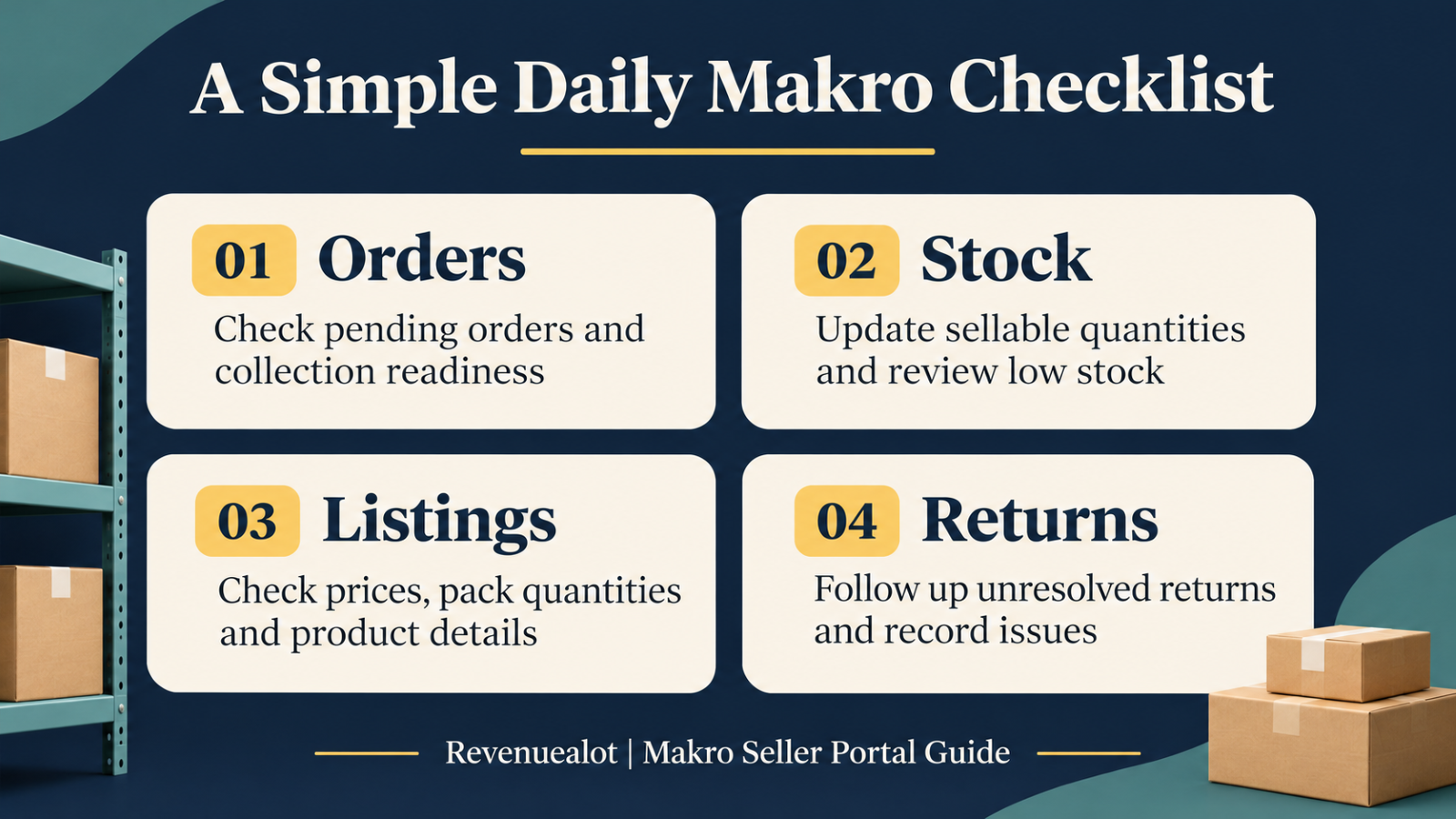
Before closing each working day, check pending orders, parcels awaiting handover, low-stock items, listing errors and unresolved returns.
3. How to Check Payments and Track Sales Performance
Separate revenue, payout and profit
Revenue shows sales value. Payout is what remains after applicable platform deductions and adjustments. Profit also depends on your own costs.
Makro’s fee guide explains the monthly platform fee, category commission and final-mile charges. FBM can also involve first-mile and storage fees, subject to current concessions. Check the latest rates before setting prices.
For an illustrative unit calculation, a R500 sale less R280 product cost, R60 commission, R50 transport and R10 packaging leaves R100 before overheads and other costs. These are hypothetical amounts, not Makro’s fee rates; use a consistent VAT basis when calculating.
Use delivery dates to check payment timing
According to Makro’s payment-cycle guidance:
Customer delivery date | Scheduled payment run |
|---|---|
1st–15th of the month | End of that month |
16th–last day of the month | 15th of the following month |
A delivery on 18 March therefore belongs to the 15 April run. Weekends and public holidays move the scheduled run to the next business day.
Request the Daily Net Sales Report under Reports for the relevant period. Review sales, approved returns, commission and transport charges. Makro’s report guidance notes that platform fees, claims and manual adjustments are excluded, so compare the report with your remittance before treating its total as the final bank payment.
Use Revenuealot to decide what to investigate
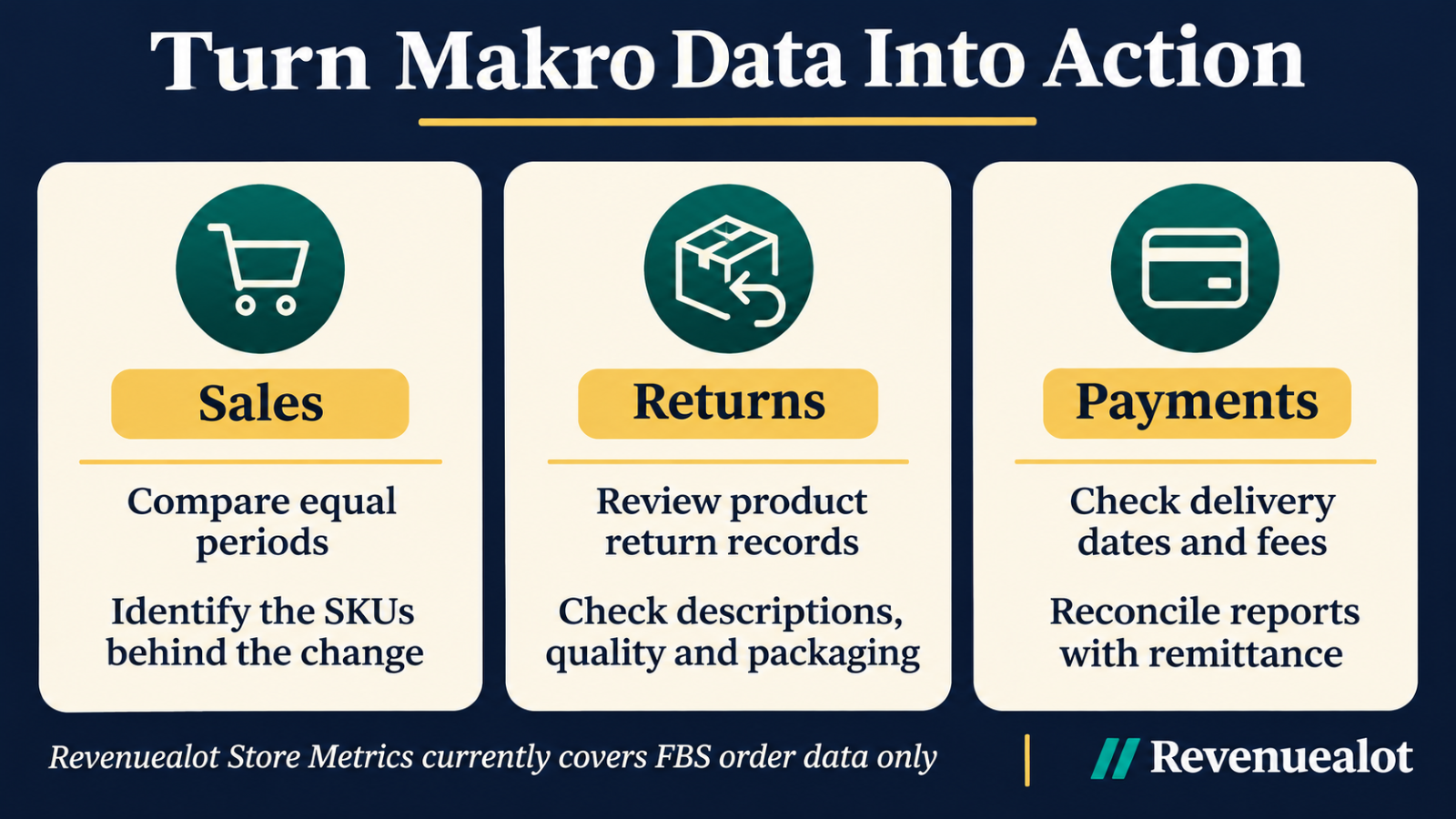
Revenuealot is an operations and analytics SaaS platform for local marketplace sellers. Its Makro Store Metrics lets you compare equal periods and review net sales, net units and refund trends. This dashboard currently covers FBS order data only.
Next, use Makro Product Analytics to examine individual SKUs. Sort by return amount or return rate, open a product and inspect its return records. Check the number of sales too: one return from two units sold needs different interpretation from 50 returns across 1,000 units.
4. Build a Simple Routine for Your Makro Store
Check orders and stock daily, review product performance weekly, and reconcile each payment cycle. Start with your five best-selling SKUs: verify available stock, listing accuracy, costs and recent returns.
Use the portal to complete operational tasks and Revenuealot’s Makro analysis tools to identify which products need attention next.
Frequently Asked Questions
What is the Makro Seller Portal used for?
It supports everyday marketplace operations, including products, pricing, stock, orders and reporting.
How do I access the Makro Seller Portal?
Start from Makro’s official seller website. If access fails, follow the current login page’s recovery instructions or contact official Seller Support.
How can I keep my Makro stock accurate?
Deduct allocated orders and reserved stock before updating available quantities. Recheck shared stock whenever another channel makes a sale.
When does Makro pay sellers?
Payment runs occur twice monthly, based on delivery dates. Check the current payment calendar and any deductions affecting your account.
How can Revenuealot help Makro sellers?
Store Metrics helps review overall trends, while Product Analytics supports SKU-level sales and returns investigation. Confirm feature availability and data coverage for your connected account.