Complete Guide to Takealot Seller Portal Dashboard in 2024
If you're selling on Takealot or planning to start, mastering the Seller Portal Dashboard is essential for your business success. With South Africa's e-commerce market growing rapidly and Takealot being the dominant marketplace with over 10 million monthly visitors, understanding how to effectively navigate and leverage the Seller Portal can significantly impact your profitability.
Introduction to the Takealot Seller Portal
The Takealot Seller Portal is your command center for managing every aspect of your marketplace business. After becoming a registered Takealot seller, you'll gain access to this powerful dashboard where you can list products, manage inventory, track orders, analyze performance, and handle all financial aspects of your Takealot business.
Getting Started with Your Seller Portal
Accessing Your Dashboard
- Visit sellers.takealot.com and log in with your credentials
- Upon first login, you'll be prompted to complete your business profile
- Take time to familiarize yourself with the navigation menu on the left side
Dashboard Overview
The main dashboard provides a snapshot of your Takealot business with key metrics:
- Sales overview: Daily, weekly, and monthly performance
- Order status: New, processing, and fulfilled orders
- Inventory alerts: Low stock and out-of-stock items
- Returns: Recent customer returns and status
- Performance metrics: Buy Box win rate, seller rating, and fulfillment performance
Detailed Dashboard Sections
1. Account Management

Profile Settings
- Company Details: Update your business information, logo, and contact details
- User Management: Add up to 10 team members with customized access permissions
- Notification Preferences: Configure email and SMS alerts for orders, returns, and performance issues
- API Integration: Set up API connections for automated inventory and order management (for advanced sellers)
Pro Tip: Keep your company profile complete and up-to-date as this information is sometimes visible to customers and affects Takealot's trust in your business.
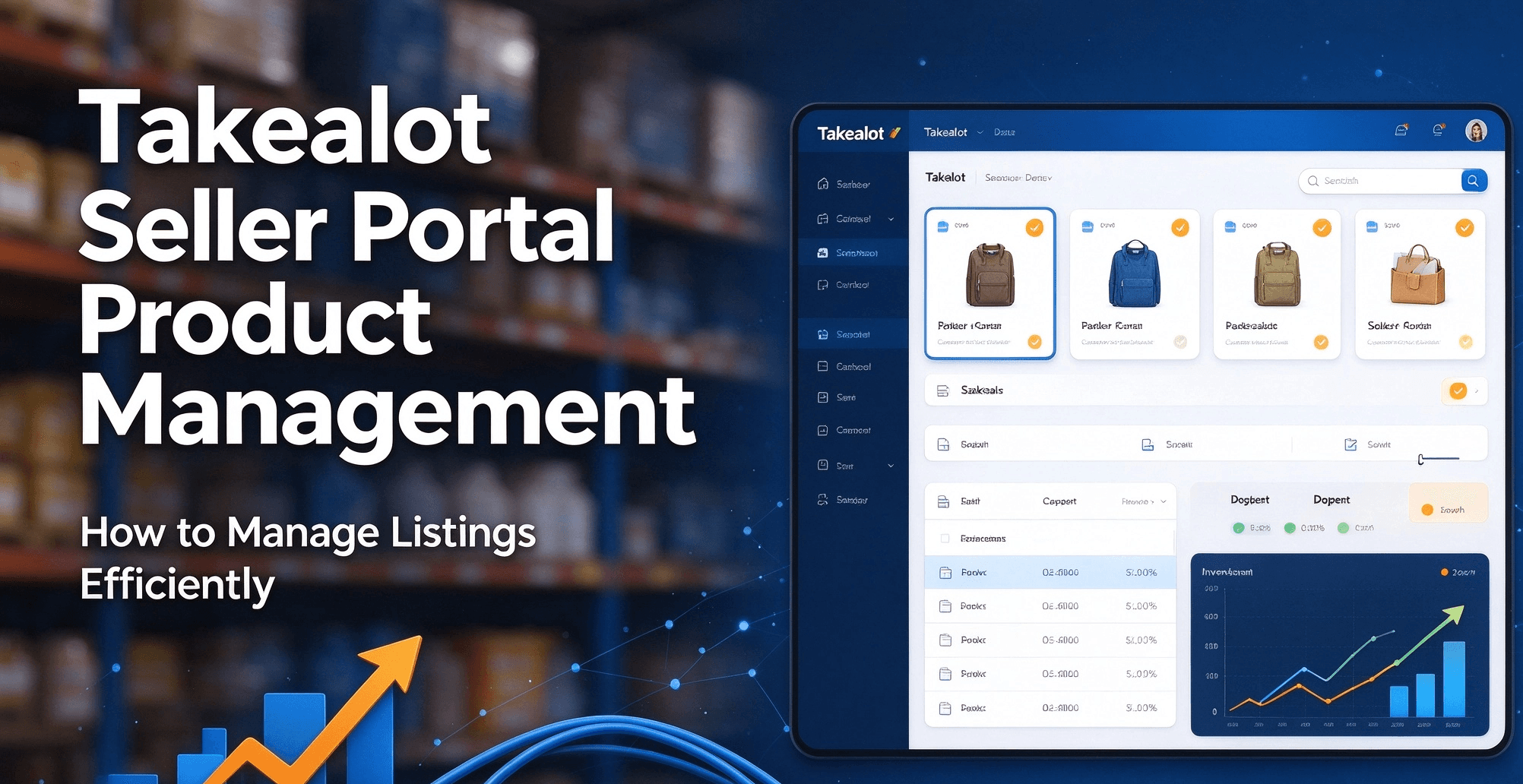
2. Product Management
Managing your product catalog effectively is crucial for marketplace success. The Product Management section allows you to:
Adding New Products
- Create Single Listings: Add individual products with detailed specifications
- Bulk Upload: Use CSV templates to add multiple products simultaneously
- Product Linking: Connect your products to existing Takealot catalog items
Managing Existing Products
- Inventory Updates: Adjust stock levels and set automatic replenishment alerts
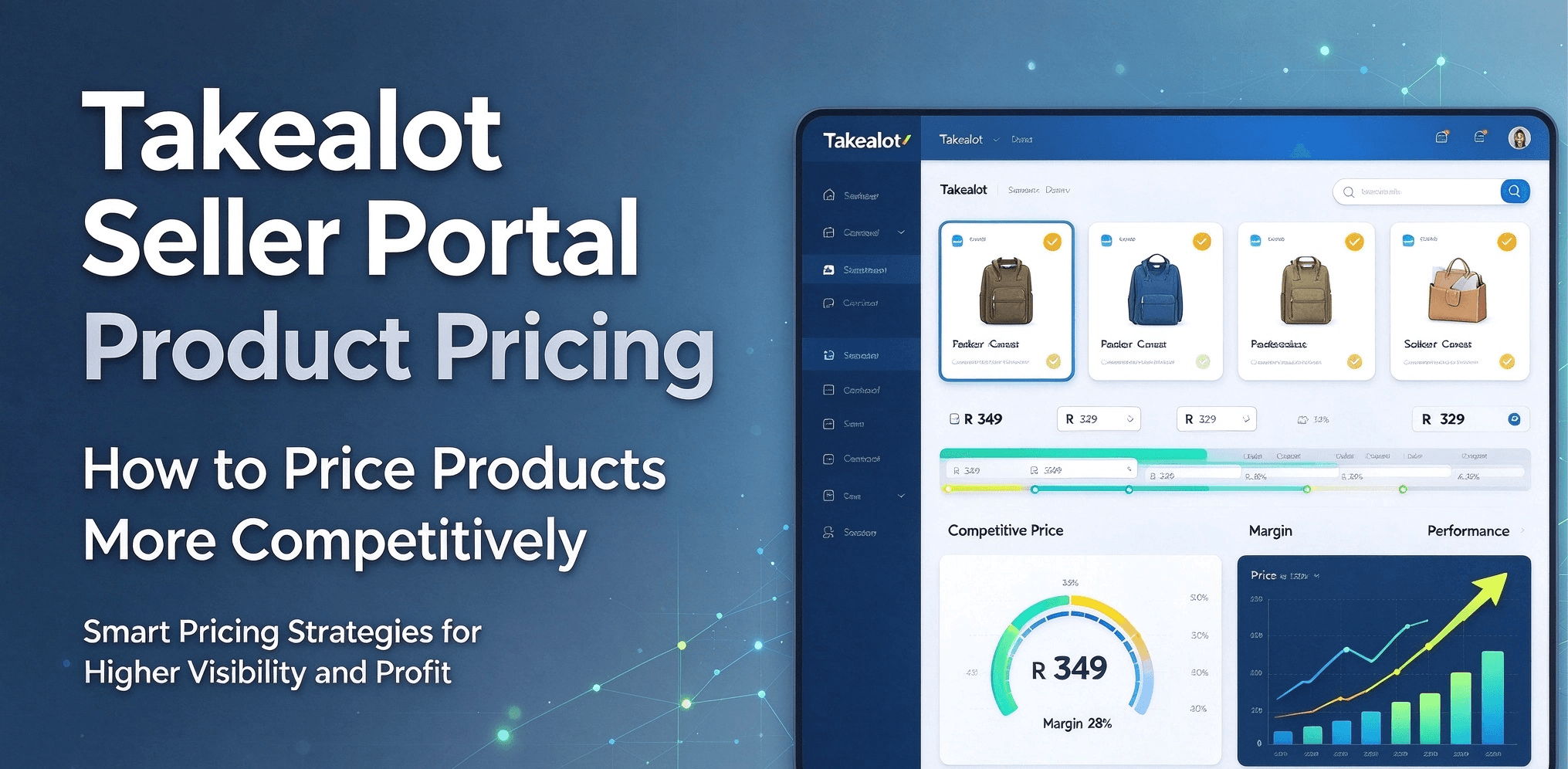
- Price Management: Update pricing and monitor competitiveness
- Product Enhancement: Improve listings with better images, descriptions, and bullet points
- Product Performance: Track views, conversion rates, and buy box win percentage
For a detailed walkthrough of adding your first product, see our guide on How to Add Your First Product on Takealot.
3. Inventory Management

Efficient inventory management is essential to avoid stockouts and excess inventory:
- Stock Level Monitoring: Real-time visibility of inventory across all Takealot warehouses
- Inventory Planning: Forecasting tools to predict demand and plan stock replenishment
- Warehouse Management:
- In-Stock Items: Products stored in Takealot warehouses for immediate fulfillment
- Lead Time Items: Products shipped from your location after order placement
- Storage Fees Calculator: Monitor and optimize storage costs
Storage Fee Alert: Takealot provides 35 days of free storage. Beyond that, fees apply based on product size and weight. Use our guide to Takealot fees estimator to calculate potential costs.
Learn more about the different inventory models in our guides:
4. Order Management
The Orders section provides comprehensive tools for processing customer orders:
- Order Dashboard: View all orders filtered by status (new, processing, shipped, etc.)
- Order Details: Access customer information, products ordered, and shipping requirements
- Order Processing:
- For in-stock items: Monitor Takealot's fulfillment process
- For lead-time items: Receive notifications, prepare shipments, and generate shipping labels
- Returns Management: Process returns, issue refunds, and manage customer disputes
Important: For lead-time orders, you must fulfill within the promised timeframe to maintain good seller metrics. Late fulfillment impacts your account health and buy box eligibility.
For shipping your first batch of products, check our guide to shipping inventory to Takealot warehouse.
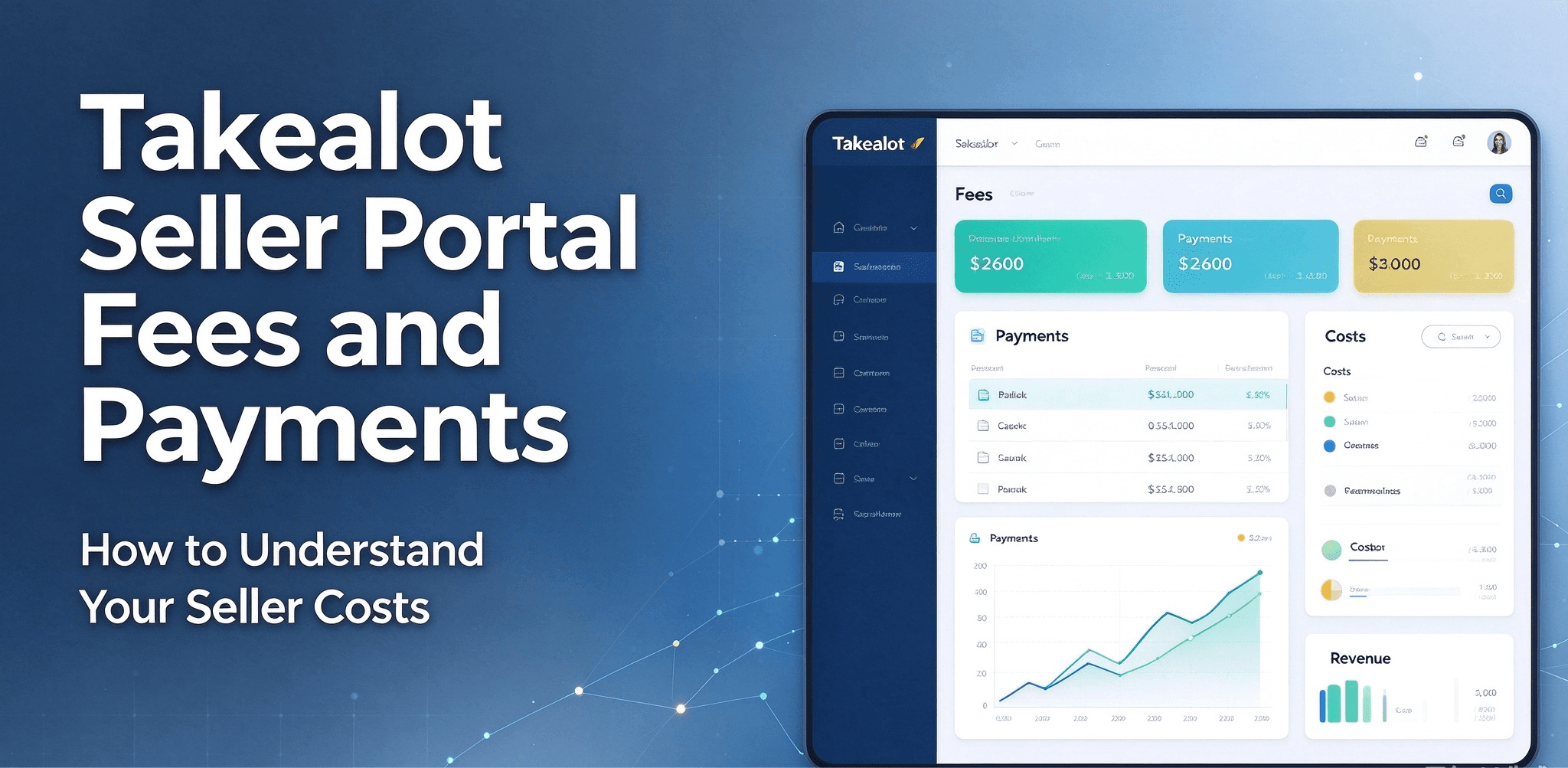
5. Financial Management

The financial section helps you monitor profitability and manage payments:
- Account Balance: View current balance and upcoming payments
- Transaction History: Detailed record of all financial transactions
- Fee Breakdown:
- Monthly subscription fee (R400 excluding VAT)
- Success fees (category-dependent, ranging from 5.5% to 18%)
- Fulfillment fees (based on product size and weight)
- Storage fees (applicable after 35 days of free storage)
- Invoices and Statements: Download financial documents for accounting purposes
- Payment Schedule: View upcoming payment dates and amounts
6. Analytics and Reporting
Data-driven decisions are key to marketplace success:
- Sales Reports: Analyze sales by product, category, and time period
- Inventory Reports: Stock levels, turnover rates, and aging inventory
- Performance Metrics:
- Buy Box win rate
- Order defect rate
- Late shipment rate
- Customer feedback score
- Competitor Insights: Monitor pricing trends and market position
- Custom Reports: Create and schedule personalized reports
Advanced Analytics: For deeper insights into product trends and competitive analysis, Revenuealot's analytics platform provides enhanced data visualization and actionable recommendations.
Optimizing Your Takealot Seller Performance
Buy Box Strategy
The Buy Box is crucial for Takealot success - winning it can increase your sales by 300-800%:
- Price Competitiveness: Generally the most important factor
- Stock Availability: In-stock items typically win over lead-time items
- Fulfillment Performance: Late shipments and cancellations hurt your chances
- Seller Rating: Customer feedback and account health metrics matter
Learn more in our Ultimate Guide to Takealot Buy Box in 2025 and discover the Best Buy Box Auto-Pricing Tools.
Product Listing Optimization
High-quality listings improve visibility and conversion:
- Compelling Images: Clear, professional photos from multiple angles
- Detailed Descriptions: Comprehensive product information with formatting
- Bullet Points: Highlight key features and benefits
- Relevant Keywords: Include search terms buyers use
If you've faced listing rejections, read our guide on How to Overcome Rejected Products on Takealot and Takealot Product Photography Guide.
Advertising and Promotion
Boost visibility and sales with Takealot's marketing tools:
- Deal Days Participation: Join Takealot's promotional events
- Sponsored Products: Bid on keywords to appear in prominent positions
- Daily Deals: Apply for featured placement on Takealot's homepage
For more strategies, see our guide on How to Advertise on Takealot.
Advanced Features and Integrations
Takealot Seller App
The mobile app allows you to manage your business on the go:
- Real-time Notifications: Instant alerts for new orders and messages
- Quick Order Processing: Accept and prepare orders from your smartphone
- Inventory Updates: Adjust stock levels from anywhere
- Performance Tracking: Monitor key metrics while away from your desk
Learn more about the Takealot Seller App
API Integration
For high-volume sellers, Takealot offers API integration:
- Inventory Synchronization: Automatically update stock levels across multiple platforms
- Order Management: Streamline order processing with your existing systems
- Product Data Updates: Push price changes and product information programmatically
Third-Party Tools
Enhance your Takealot selling experience with specialized software:
- Revenuealot: The leading analytics and optimization platform for Takealot sellers
- ShopDeploy: Inventory and order management solution
- StockBurst: Inventory forecasting and replenishment tools
Comparing with Amazon Seller Central
If you're familiar with Amazon's seller platform, here are key differences with Takealot:
Feature | Takealot | Amazon |
|---|---|---|
Monthly Fee | R400 flat fee | $39.99 for Professional plan |
Commission | 5.5-18% depending on category | 8-45% depending on category |
Fulfillment Options | In-stock and lead-time | FBA and FBM |
Advertising | Limited options | Extensive ad platform |
Analytics | Basic reporting | Advanced analytics |
Market Size | 10M monthly visitors | 2.5B monthly visitors globally |
Common Challenges and Solutions
Account Health Issues
- Late Shipments: Always ship lead-time orders by the deadline
- Order Cancellations: Maintain sufficient inventory to fulfill all orders
- Customer Complaints: Respond promptly and resolve issues professionally
Inventory Management Problems
- Stockouts: Use Revenuealot's inventory forecasting to predict demand
- Excess Stock: Monitor slow-moving items and adjust purchasing accordingly
- Storage Fees: Track stock age and consider promotions for aging inventory
Listing Rejections
- Image Quality: Ensure photos meet Takealot's requirements
- Product Description: Provide complete and accurate information
- Prohibited Items: Review Takealot's restricted products list
Resources and Support
Official Takealot Resources
Revenuealot Tools and Resources
Community Support
Conclusion
Mastering the Takealot Seller Portal Dashboard is an ongoing journey. As South Africa's e-commerce landscape evolves, staying informed about best practices and leveraging tools like Revenuealot can give you a competitive edge.
Remember that success on Takealot comes from a combination of quality products, competitive pricing, efficient operations, and data-driven decision-making. The Seller Portal provides all the tools you need to manage these aspects effectively.
For personalized assistance with optimizing your Takealot seller performance, contact our team for expert guidance tailored to your specific business needs.
Last updated: June 2024